Tezga eKasa is on the App Store and Google Play: why I built a real app, not a wrapper
Tezga eKasa, an approved fiscal cash register, has been an iPhone and Android app since October. Why it is not a wrapper around the website, how it got through Apple’s review and what it still cannot do.

Updated: 14.10.2026. | Version 1.0
Short answer
Tezga eKasa, the fiscal cash register I develop under the Go Simple name, has been a real app for iPhone and Android since October 2026. It is free, works with the same account as the web version and prints receipts directly to a thermal printer. It is available on the App Store and Google Play.
When I wrote why I built eKasa (in Serbian), the last item on the list was “works on the phone”. Back then that meant a good mobile website: open the browser, log in and issue receipts.
Since October it is no longer a website on the phone. Tezga eKasa is an app, on the App Store since 7 October and on Google Play, and on 13 October release 3.1.0 arrived with the whole back office inside the app. This is a short story about how it came to be and why it was done the hard way.
Get Tezga
- iPhone: Tezga eKasa on the App Store
- Android: Tezga eKasa on Google Play
- Everything about the app, with a QR code for your phone: Tezga on the phone
- Business account: sign up
Why it is not a wrapper around the website
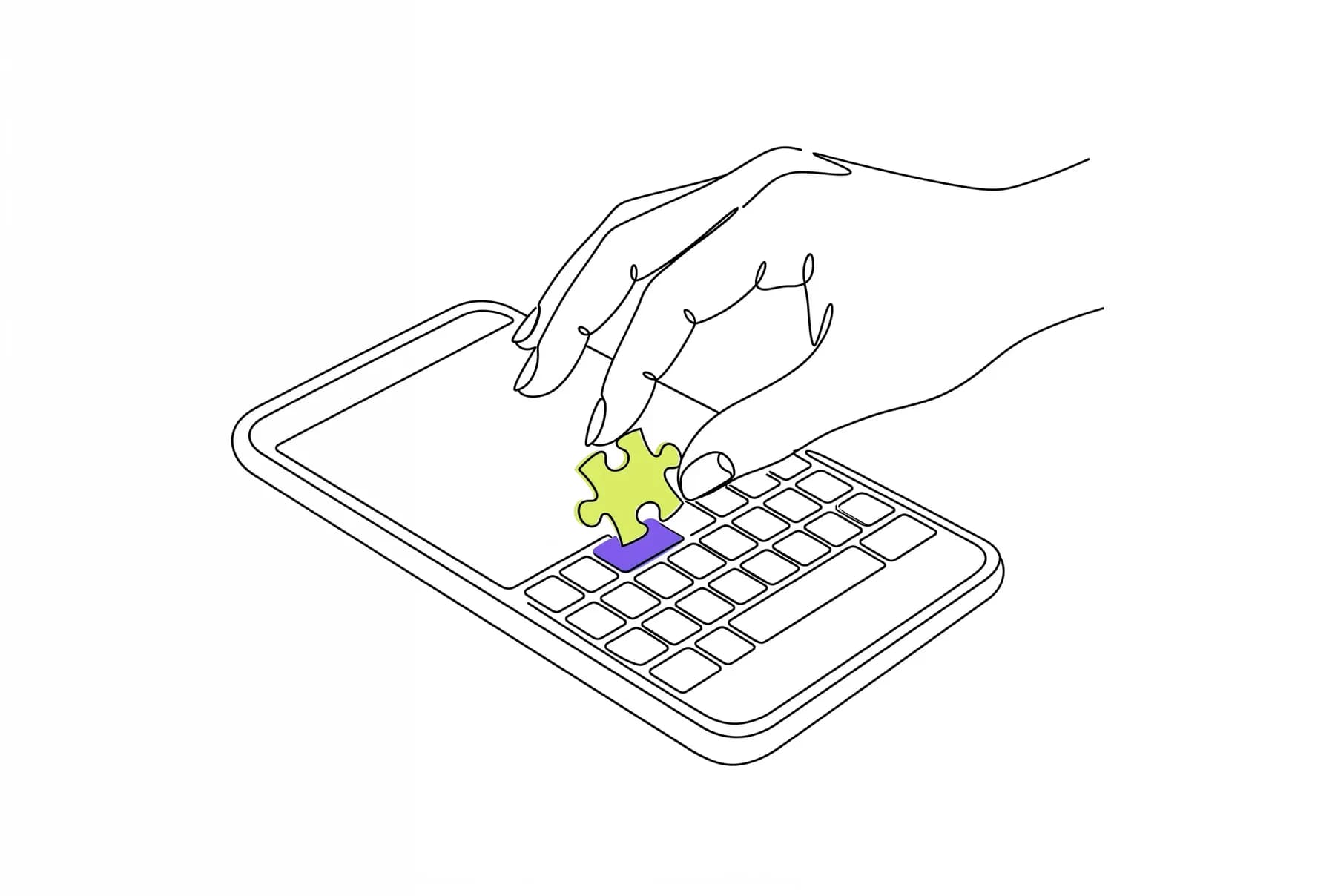
The fastest path to the store is a wrapper: an app that opens the website inside itself, like a browser without an address bar. It is quick and cheap. I considered it and gave up on it for two reasons.
The first is Apple. Under their rules, an app that is just a website in a shell has no reason to exist in the store, and as a rule it gets rejected. The second reason matters more: a cash register that waits for a web page to load while the customer stands at the counter is not a cash register.
So the rule was strict: no screen is a web page in a wrapper. Every screen is built for the phone, and only data is exchanged with the server. The server, the rules and fiscalization stay the same for web and app, so a receipt issued from the phone and one issued from the computer go through the same ESIR.
Honestly, the first release did not fully meet that rule. The register, receipts and reports were real screens, but the back office, the part with e-invoices, stock and settings, was still a web page inside the app. Release 3.1.0 removed that. Today the app includes the whole back office: e-invoices sent to SEF (the Serbian e-invoicing system), costings and price revaluations, stock, advance payments, customer records, bank statements, orders and recurring invoices.
iPhone like Apple, Android like Samsung
There is one codebase for both systems, but not one look. The first version had the same design on both phones, and it felt at home on neither. Now Tezga’s colours and mark stay, but the shapes follow the phone.
On iPhone a sheet slides up from the bottom to the edges of the screen, a one-line choice is a grey bar with a white slider, and rows are separated by thin lines, the way Apple does it. On Android the window is a dialog near the bottom of the screen, inset from the edges and more rounded, with no lines between rows, the way Samsung does it. All these differences live in one place in the code, so no screen needs to know which phone it runs on.
The idea is simple: a shop owner should not have to learn a new app, but recognise what they already know from their own phone.
A printer with no middleman
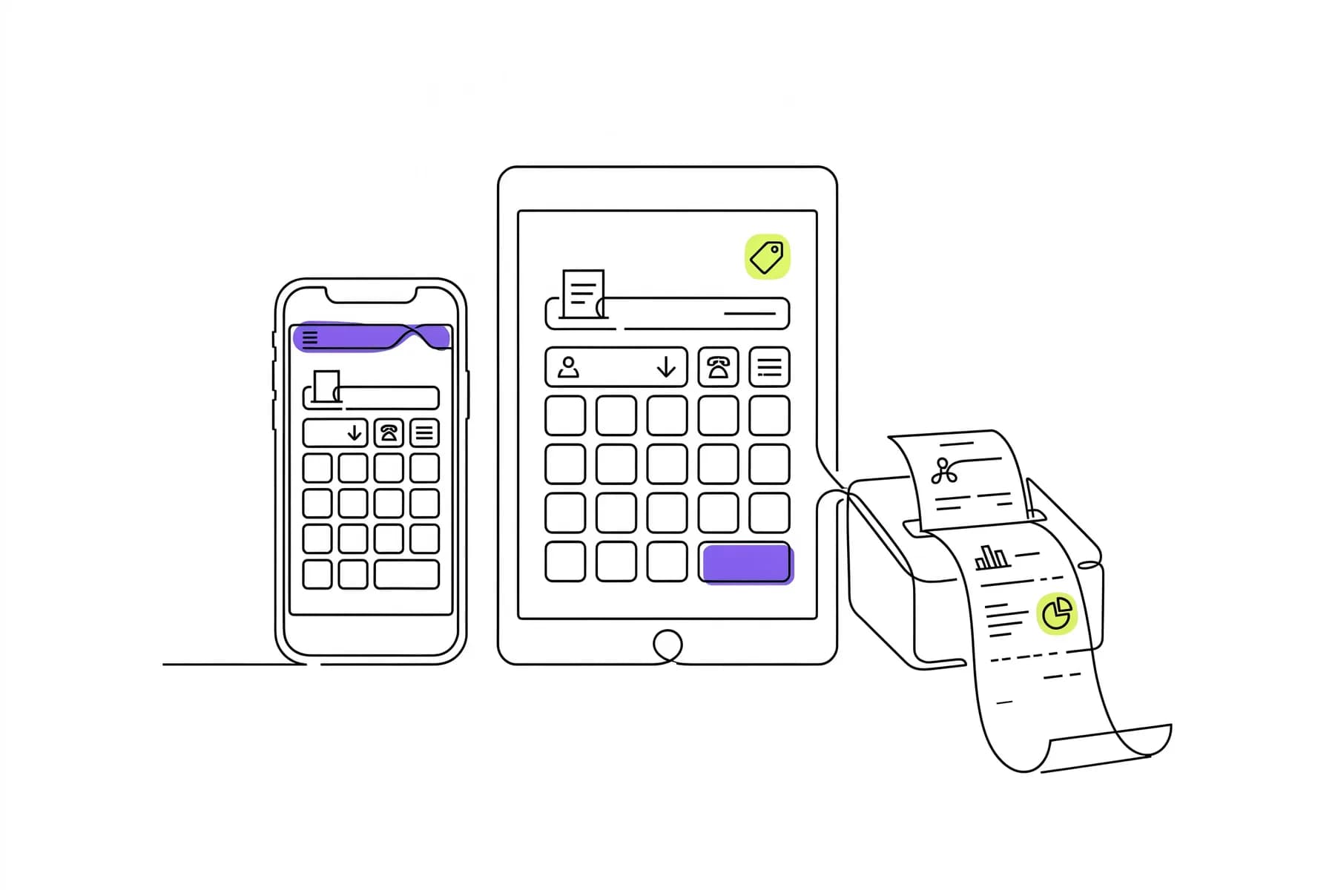
The biggest difference from the browser is not speed, it is printing. A browser cannot send a receipt to a thermal printer without a middleman; an app can. One tap and the receipt comes out, or it prints by itself as soon as the receipt is issued.
On Android the printer connects over Bluetooth, USB cable or the network. On iPhone over Bluetooth or the network, because iPhone does not support USB printers. The receipt looks the same as from the computer, because the app prints the same document that was approved with the ESIR. Paper width, 58 or 80 mm, is set once on the web.
Five minutes to the first rejection
I sent the first version to Apple on the evening of 2 October. It went into review after midnight and was rejected after five minutes. Not a single screen was reviewed. The reviewer asked only one thing: is the service sold to individuals, consumers or families?
The question carries weight. Under Apple’s rules a subscription may be paid outside the app only when it is sold to organisations. If it is sold to an individual, it has to go through Apple’s billing, with their commission. The catch is that many of my users are sole proprietors, and the word “individual” easily sounds like a sole proprietor.
The first reply was not enough. The second one separated, from its first sentence, a sole proprietor, a registered business with a tax ID, from a consumer, and explained that Tezga is sold exclusively to companies and sole proprietors registered in Serbia, because a consumer has no use for a fiscal cash register. After that the app was approved.
A smaller detail from the same process: on the App Store the seller is listed under my name, not Go Simple. Apple does not accept a sole proprietor as an organisation, so the account has to be personal. Google does, so there the publisher is the company.
What the app still cannot do
- No offline mode. The receipt is signed through Tezga in the cloud at the moment it is issued, just like on the web. Mobile data is enough.
- The camera does not scan barcodes. Barcodes need a scanner, which works like a keyboard and is recognised without setup.
- iPhone does not print over a USB cable. Only Bluetooth or the network.
For a high-volume counter, a phone is not ideal, and I do not hide that. That is why release 3.2.0 is dedicated to large screens: iPad, Android tablets and Macs with Apple silicon get a layout like the web, with a permanent menu on the left, tables, and the cart to the right of the products. Phone and large screen are deliberately separate, because people work differently on them. The Android tablet version has been on Google Play since 13 October, and the iPad and Mac version is waiting for Apple’s review.
What has not changed
The price. The app is free; you pay for the Tezga plan, from 990 dinars a month, and that plan works on all devices at once. No per-phone licence and no hardware to buy.
And the approval. Tezga eKasa is an ESIR listed in the Tax Administration register under number IB 1597, and the approval explicitly covers the app for smart devices. A receipt from the phone has the same validity as one from the computer and the same QR code for verification.
Everything the app does, with a table of what works on Android and what on iPhone, is listed in Trek’s article Tezga eKasa arrives on iPhone and Android (in Serbian).
Frequently asked questions
Where can I download the Tezga eKasa app?
For iPhone from the App Store, and for Android from Google Play, under the name Tezga eKasa. The Tezga on the phone page has a QR code that opens your phone’s store.
Is the Tezga eKasa app free?
Yes. You pay for the Tezga plan, from 990 dinars a month, and the same plan covers web, phone and tablet, with no per-device licence.
Is a receipt issued from the app a valid fiscal receipt?
Yes. Tezga eKasa is an ESIR listed in the Tax Administration register under number IB 1597, and the approval explicitly covers the app for smart devices. The receipt has a QR code the customer can verify with the Tax Administration.
Does the app work offline?
No. The receipt is fiscalized at the moment it is issued through Tezga in the cloud, so a connection is needed. Mobile data is enough.
Comments
Loading comments…
Only signed-in readers can comment, to keep bots out. Only your name and photo are shown.
Read next